
Press Kit
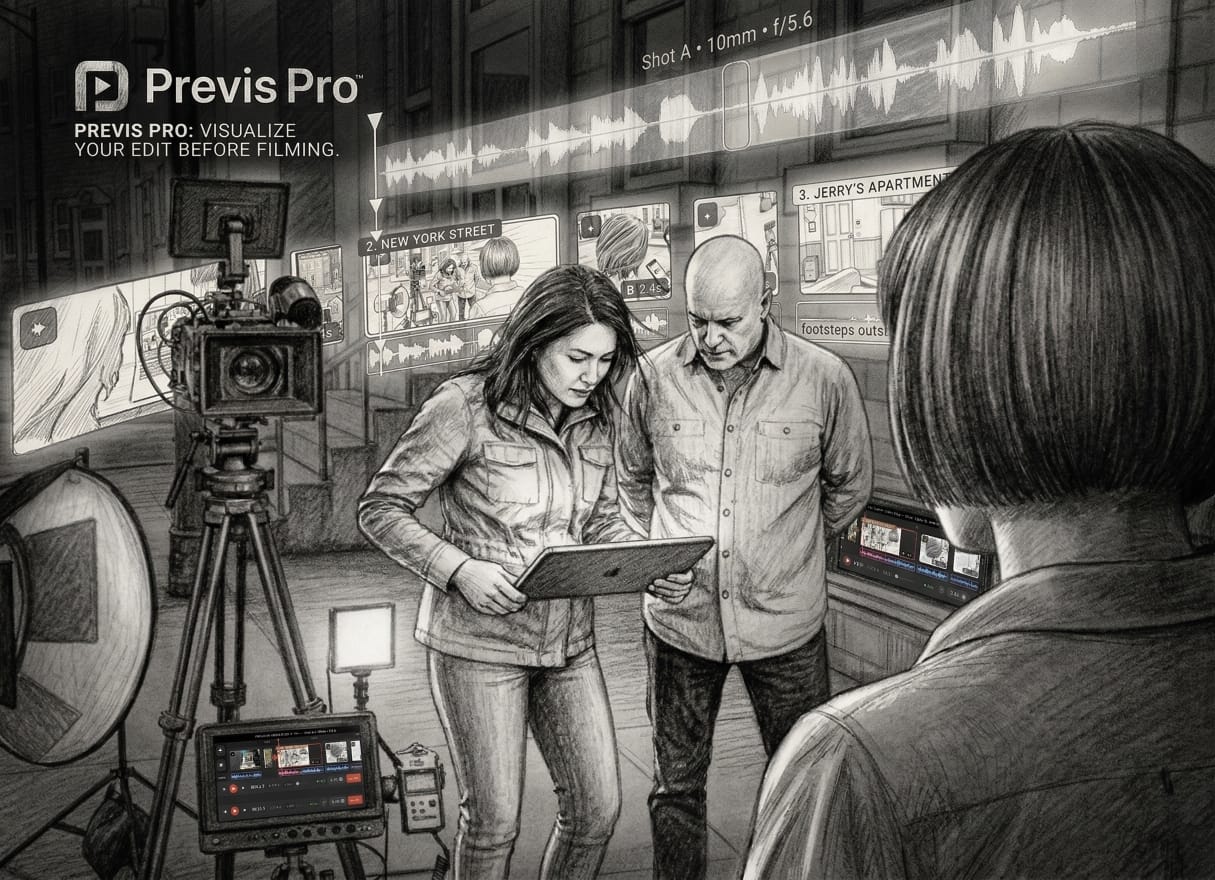
The full previs pipeline — from script to set — on Mac and iPad.
The full previs pipeline — from script to set — on Mac and iPad.
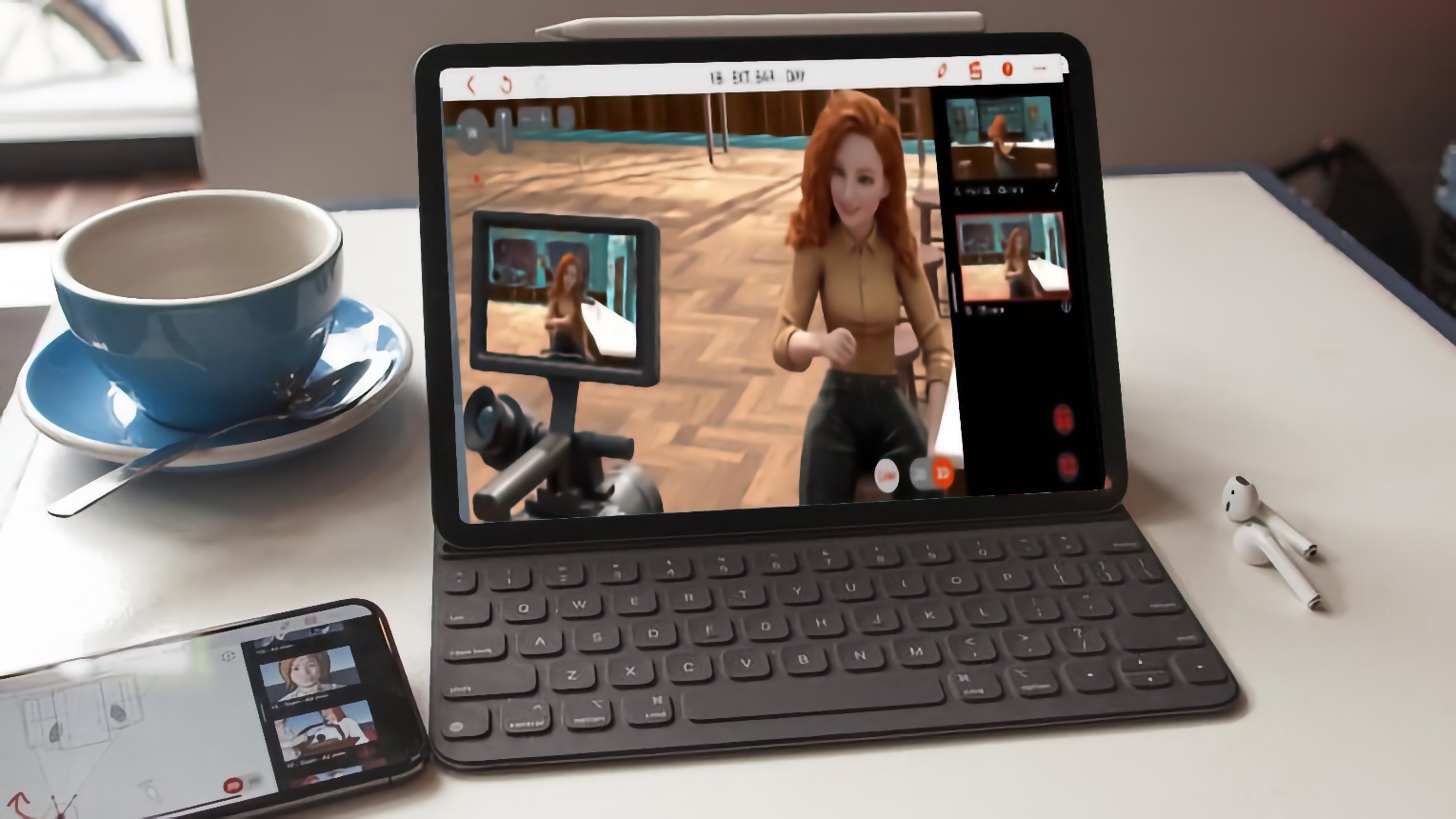
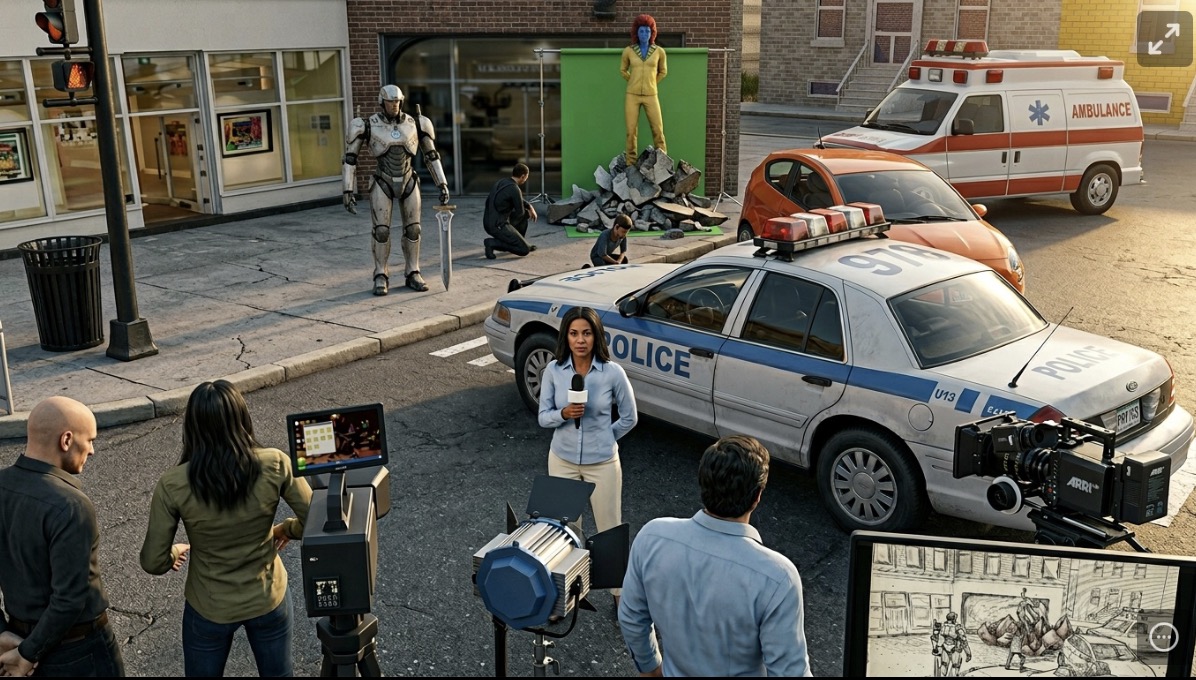
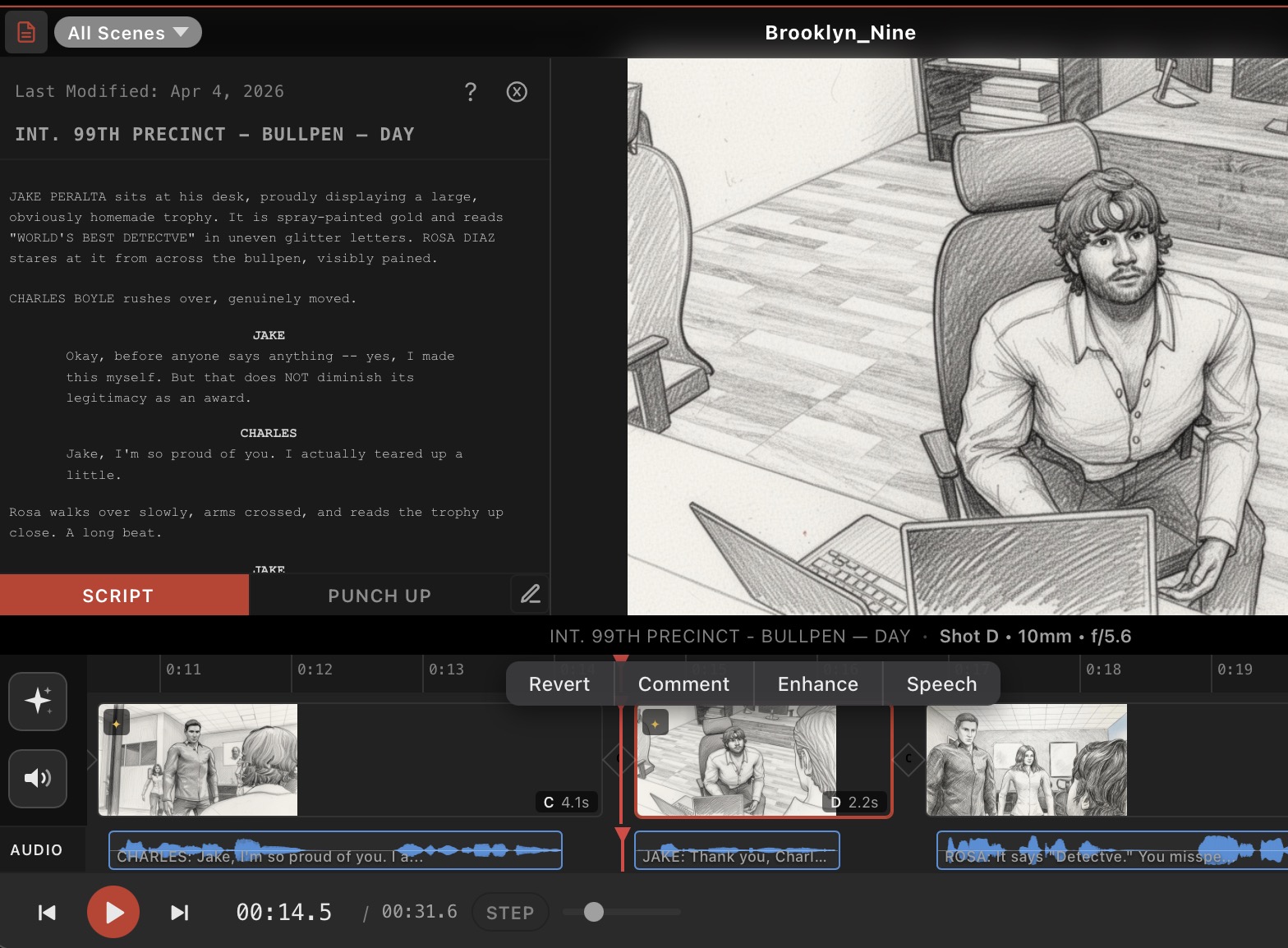
Previs Pro is a native Mac, iPad, and iPhone application for end-to-end film pre-visualization. Filmmakers import a screenplay, block scenes in 3D with real-world camera physics, generate storyboard frames, cut the sequence together in an editorial timeline with four audio lanes, and share password-protected review links — all in one app.
Unlike traditional methods that rely on expensive storyboard artists or flat AI generators that have no spatial awareness, Previs Pro offers a camera-driven workflow on Apple platforms for $119.99/year — less than every subscription competitor in the category, including tools with no 3D and no timeline. No other app combines 3D scene composition, AI generation, an editorial timeline, screenplay management, and collaborative review.
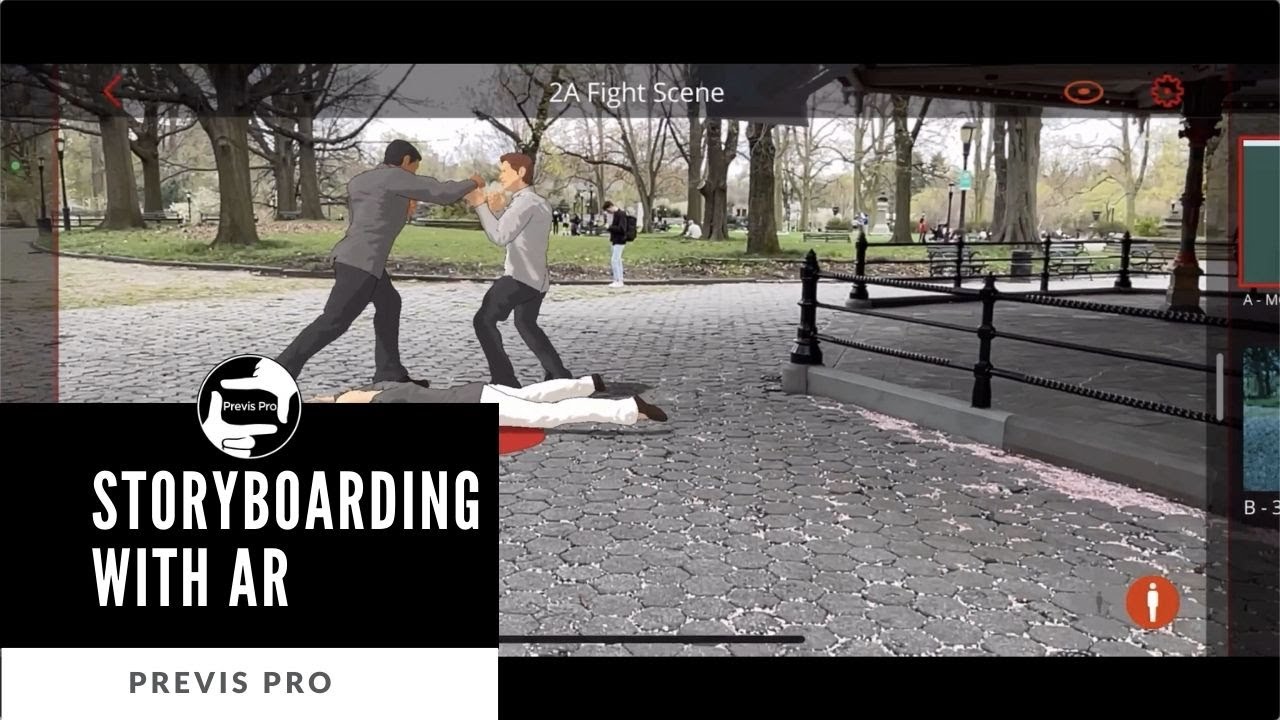
Build virtual sets with modular walls, doors, windows, and 500+ props. Place and pose characters. Camera with real sensor sizes (Full Frame, Super 35, Alexa LF), haptic focal-length snapping, anamorphic squeeze, and full depth-of-field controls. AR mode for on-location scouting.
Six image models, three video models, text-to-speech, AI music, and sound effects — all applied to composed 3D frames. Touch Up refines details with text prompts. ActorGen creates rigged characters; Prop Gen creates custom 3D assets from descriptions.
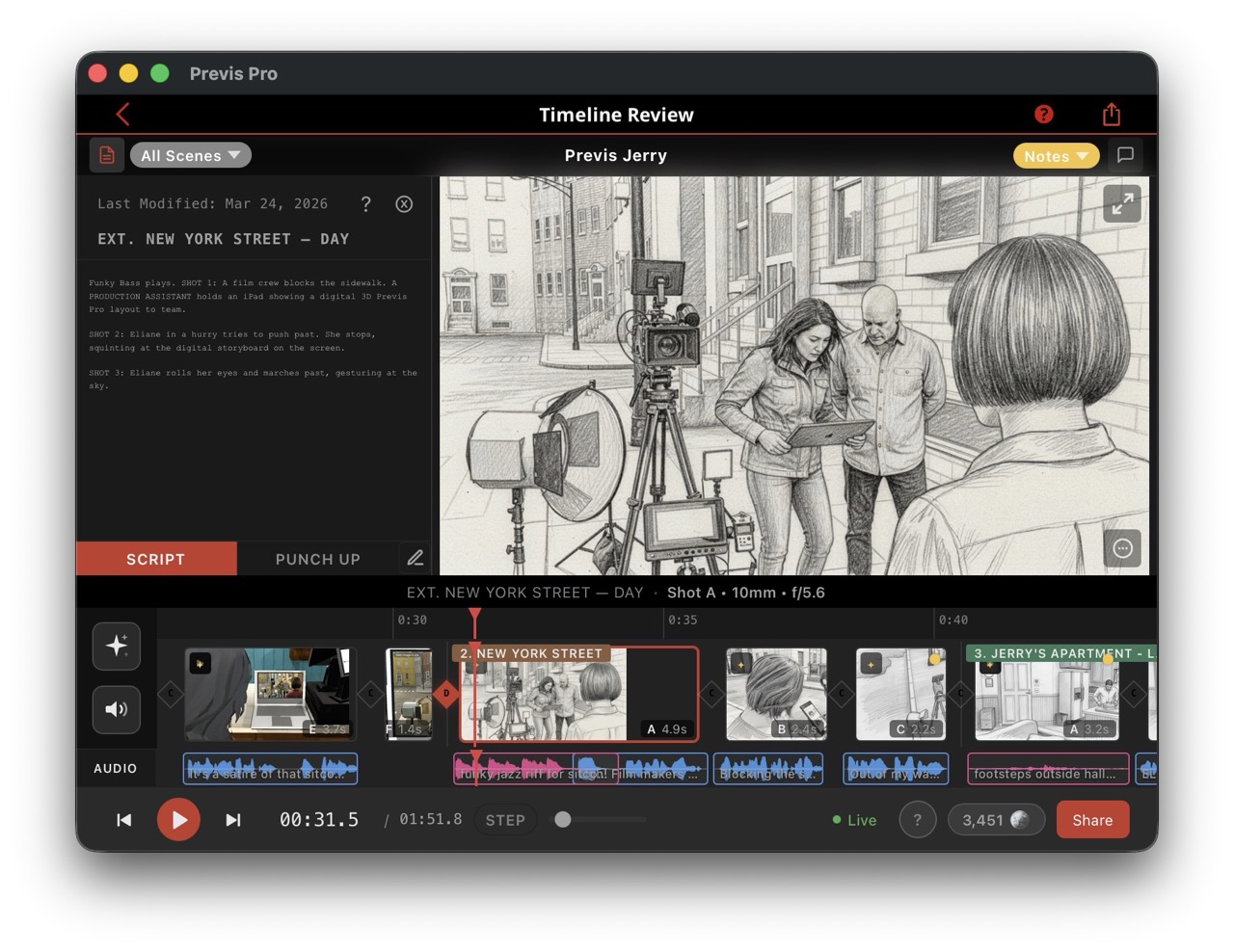
Assemble shots with drag-to-reorder, duration editing, and transitions (cut, dissolve, fade, AI-generated video). Four colour-coded audio lanes: Dialogue, Music, SFX, Voiceover. J/K/L shuttle playback. Script panel syncs to the playhead.
Import Final Draft .fdx files — auto-creates scene containers and cast lists. Browse, edit, reorder, and merge scenes. View Changes mode diffs against the import baseline with word-level highlighting.
Password-protected review links via share.previspro.com (7/30/90-day TTL). Shot-level threaded comments with real-time sync. Multi-user doodle annotations. Per-shot approval workflow. No app install required for reviewers.
Keyframe animation for camera and object motion with Bezier curve paths. Export as MP4 with synchronised audio, PDF storyboards (Six-Up, Two-Up, Annotated, Full), and JPEG/PNG frames. NLE export (Premiere/Resolve XML) coming Q2/Q3 2026.

| Plan | Price | Notes |
|---|---|---|
| Free | $0 | Watermarked exports, welcome AI credits |
| Monthly | $39.99/month | Full access, cancel anytime |
| Annual | $119.99/year | $9.99/month |
| Lifetime | $359.99 | One-time purchase, permanent access |
| Free Trial | 7 days | All features unlocked |
| Student Discount | Available | Code: PREVISEDU |
AI generation features (images, video, TTS, music, SFX, 3D assets) are powered by credits, purchased separately from the subscription. Exchange rate: 100 credits = $1.00. New users receive 150 free welcome credits.
| Pack | Credits | Price | |
|---|---|---|---|
| Starter | 100 | $4.99 | |
| Standard | 400 | $14.99 | Most Popular |
| Pro | 1,200 | $39.99 | Best Value |
| Platform | Capabilities |
|---|---|
| Mac (Apple Silicon + Intel) | Full authoring — native macOS app |
| iPad | Full authoring — touch + Apple Pencil optimised |
| iPhone | Full authoring — compact layout |
| Web (share.previspro.com) | Review only — comments, approvals, annotations. No app install required. |
Previs Pro is the only tool that integrates 3D spatial composition, real camera optics, AI generation, and a mobile-native editorial pipeline.
| Tool | Yearly Cost | 3D + Real Camera | AI Generation | Editorial Timeline | Native Mobile |
|---|---|---|---|---|---|
| Previs Pro | $119.99/yr | ✓ | ✓ | ✓ | Mac / iPad / iPhone |
| LTX Studio | $144/yr | — | ✓ | — | Web only |
| DrawStory AI | $228/yr | — | ✓ | — | Web only |
| Storyboard Hero | ~$228/yr | — | ✓ | — | Web only |
| Cinetech | ~$470/yr | — | ✓ | — | Web only |
| Boords | $900/yr | — | Image only | 2D animatic | Web only |
| FrameForge | $498 once | ✓ | — | — | Mac/Win only |
| ShotPro | $39.99 once | ✓ | — | — | iPad / iPhone |
| Storyboarder | Free (OSS) | — | — | — | Desktop only |
Previs Pro is used by professionals at Lucasfilm, Marvel, BBC, Max, and Digitalfilm Tree, as well as students and faculty at top-tier film programs including USC, NYU Tisch, and UCLA Film School.
The app is used by thousands of independent filmmakers worldwide. 15,000+ Instagram followers.
All assets below are available for editorial use. Right-click to save, or contact us for high-resolution originals.

Co-founder, Previs Pro
Website: previspro.com · Wiki: wiki.previspro.com · Instagram: @previspro · YouTube: @PrevisPro