The oner
A continuous take is the easiest shot to admire and the hardest shot to actually pull off. The break point is rarely the camera move — it's everything that has to be choreographed around it. Here is what makes a oner work, what makes one fail, and how to pre-walk the path before the meter starts running on set.
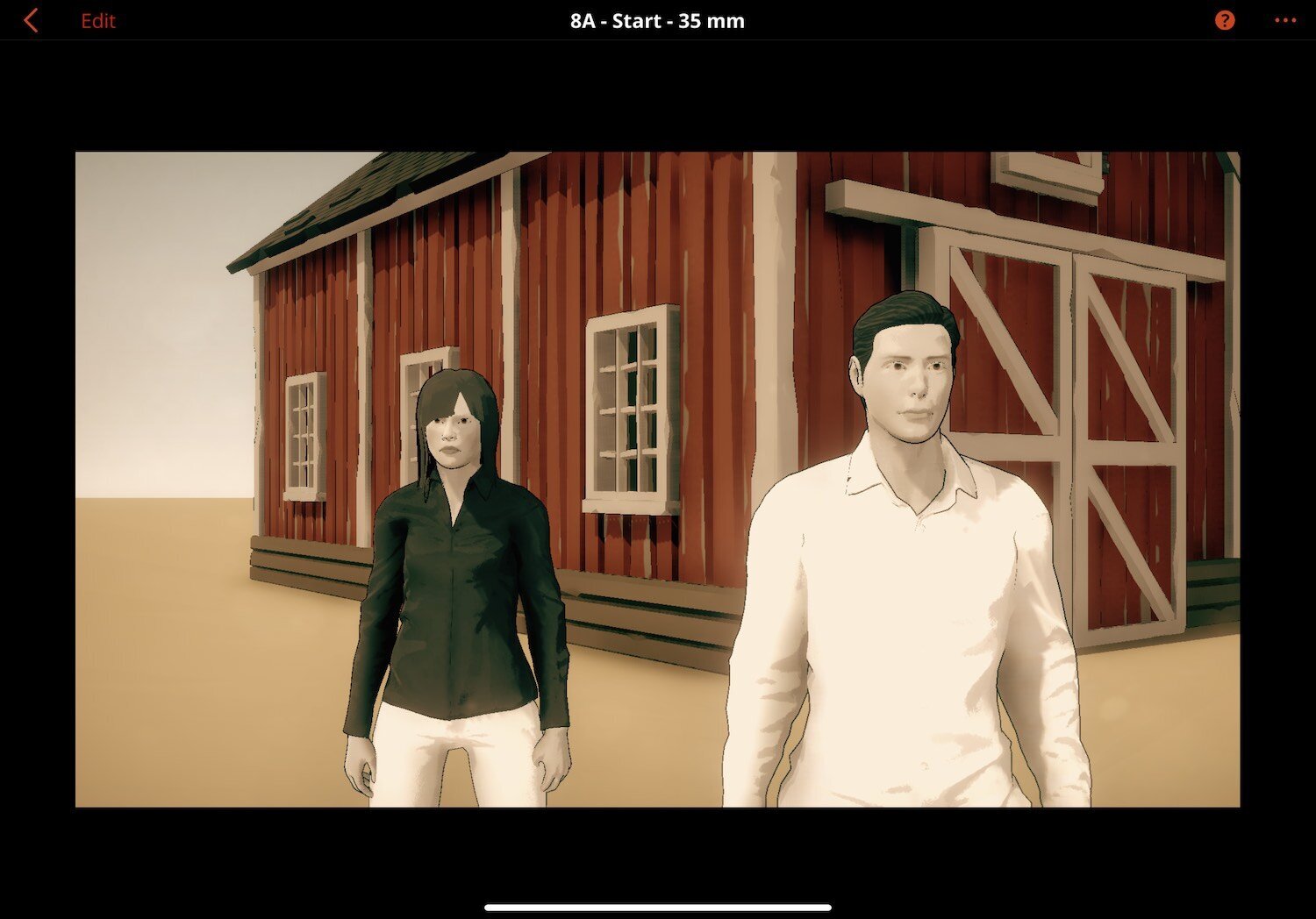
A oner is a single uninterrupted take that runs the length of a scene, a sequence, or — in a few famous cases — an entire film. The audience experiences it as a held breath. The crew experiences it as the most expensive thirty seconds of the schedule.
The reason oners feel different on screen is that they don't cut. Every other shot in cinema works inside an edit — a director can choose pacing in post, fix a flubbed line by cutting to a reaction, and salvage a missed mark by going to a different angle. A oner has none of that protection. What you commit to in the rehearsal is what plays in the cut. Which is exactly why oners are an unusually good test of preparation.
A oner is a scene that has decided, before the camera rolls, that it cannot fail.
What a oner is, and what it isn't
The term gets used loosely. There are two meaningfully different kinds of long take, and conflating them is how craft articles lose their footing.
True continuous oners
The camera rolls, runs, and stops, with no cut and no hidden seam. The whole thing is one piece of negative or one digital file. Examples worth studying: the Copacabana entrance in Goodfellas (~3 minutes, Steadicam, 1990); the Dunkirk beach in Atonement (~5.5 minutes, 2007); the projects-raid sequence in True Detective S1E4 (~6 minutes, 2014); the entirety of Russian Ark (96 minutes in a single take, 2002, Steadicam through the Hermitage); the Touch of Evil opening (Welles, 1958) for the historical reference. These are the gold standard because nothing was hidden — what you saw is what they shot.
Stitched oners
Multiple takes joined invisibly to read as one continuous shot. 1917 (Mendes / Deakins, 2019) is the canonical example — the entire film plays as two long takes, with stitching covered by whip-pans, dark frames, and bodies passing camera. Birdman (Iñárritu / Lubezki, 2014) is similarly composed. So is the Mexico City opening of Spectre. Stitched oners aren't dishonest; they're a different craft, with different problem-solving (you're now also planning where the seams hide).
For previs purposes the planning is similar — both kinds need the same camera choreography, the same blocking discipline, the same lighting plan. The difference is whether you're rehearsing one continuous take or three takes whose ends and beginnings line up to within a frame.
Why oners work
Three things happen in a oner that don't happen in conventional coverage.
- The audience stays in the room. Without a cut, there is no signal to the brain that time has passed or perspective has shifted. The camera becomes a person at the scene, and the viewer becomes that person.
- The performance stays whole. Actors get to play through, not in fragments. Beats land in a continuous emotional arc that you cannot fake by cutting between two takes that didn't have it.
- The camera becomes part of the choreography. A oner is not "a camera filming the action." It is the action. The dance between camera and subject is itself the storytelling.
That third point is what turns a oner from an exercise into something worth doing. If your continuous take could just as easily be covered conventionally with no loss, you've spent a shoot day on a stunt. The oner is justified when the camera move is the scene.
What makes oners hard
Each of these is a budget item that conventional coverage doesn't have.
Rehearsal time
A complex oner is rehearsed dozens of times, with every actor's mark, every camera position, every lighting cue, and every crew handoff blocked to within seconds. The Copa shot in Goodfellas was rehearsed for the better part of a day. Your indie production probably can't afford a full day of rehearsal — which is exactly why pre-walking the shot in 3D before the location call matters.
Camera operation as performance
The camera operator is not framing a series of compositions; they are performing a single one that lasts as long as the shot. Steadicam, gimbal, dolly with a track that disappears off-frame, and increasingly drones — every movement is choreographed and rehearsed. A bumped focus pull or a crooked frame at minute four is the whole take.
Lighting that works at every angle
Conventional coverage relights between setups. A oner cannot. Every angle the camera will pass through has to look intentional with the same light source. That usually means motivated practical lighting (windows, lamps, fixtures) and a careful plan for how the camera reveals each new room or beat.
The recovery cost
Conventional shoot day: a take is bad, you reset in two minutes, go again. Oner shoot day: a take is bad on minute three of a four-minute scene, you reset for fifteen minutes — actors back to position one, props re-set, crew clears frame, slate. Now multiply by twelve takes. That is your day.
Where previs earns its keep
The reason 3D previs is unreasonably useful for oners is that almost every problem with a oner is geometric, and geometric problems are what 3D space is good at revealing.
- Camera path collisions. The shot looks great on the floor plan and then on location it turns out the dolly track is two inches too close to the table that has to be in frame at minute two. Catching that on a tablet the night before, instead of on the day, is the difference between rehearsing and reblocking.
- Sight-line hygiene. What does the camera see when it sweeps left at the door? In previs, you walk the path and watch the live monitor at every step. Sound dept on the wrong wall, light stand visible through the doorway, a wall break that didn't exist in the floor plan — all caught before the location is locked.
- Lighting plan, before lighting day. Place the practicals in the 3D scene. Walk the camera path. Watch what falls in shadow at each angle. The lighting designer can pre-block the rig before the truck arrives.
- Actor blocking marks. Every actor has a path. In previs, those paths are visible objects in space, and you can adjust them while watching the camera frame respond. It's faster and cheaper than the same conversation on location with five people standing around.
The 3D scene is, functionally, the rehearsal hall. You walk the shot ten times in the app for the cost of zero shoot minutes.
The prep checklist
If a oner is on the schedule, here is the short list of things that should exist before the location call.
- The camera path, blocked in 3D, walked through the live monitor view.
- The actors' paths, marked on the same plan, with timing notes.
- The lighting plan, with motivated sources placed where the camera path will see them.
- A frame at every beat — at least one captured composition per major beat in the scene, used as a reference for the operator and the actors.
- The crew clearance plan — where does sound stand, where does the boom go, where does each crew member move when the camera sweeps past their position.
- The recovery plan — what's the reset path between takes, who resets what, and what's the realistic per-take cycle in minutes.
The first four are previs. The last two are conversation. Both are cheaper before the day than during it.
Where most oners go wrong
A short list, in rough order of frequency.
- The middle drags. Oners need internal beats, not just continuity. If minute two has nothing happening, the audience notices the absence of cuts before they notice the technique.
- The camera reveals what the location couldn't hide. A wall break, a baby pin, a sound dept track. Catching this in previs is the entire reason 3D blocking exists.
- The geometry forces a cheat. The camera path doesn't fit the room, and the operator improvises around a piece of furniture in a way that breaks the framing. The fix is rehearsal; the prevention is previs.
- The audience notices the technique. "Wow, no cuts" is a reaction to the choreography failing to disappear. The best oners are invisible until you read about them later.
- The recovery cost wasn't budgeted honestly. Twelve takes of a four-minute oner, with fifteen minutes between resets, is half a shoot day. Plan for it or cut the oner.
Pre-walk the shot in Previs Pro
Block the oner before the location call
Build the room, mark the actor paths, set the camera, walk the take. Watching the live monitor as the camera moves through the space catches the geometry problems while they're still cheap to fix. The free tier opens with full 3D blocking, AI generation, and an editorial timeline; exports carry our watermark until you upgrade.
If you're still picking a previs tool for this kind of work, our comparison of nine previs and storyboarding tools covers what each one does and where each one stops.
Fix it in pre. 🎬