Try Previs Pro
Short walk-throughs of the kinds of shots you actually have to plan — dialogue, action, the oner, lens choice — paired with the Previs Pro app you can use to try each of them yourself.
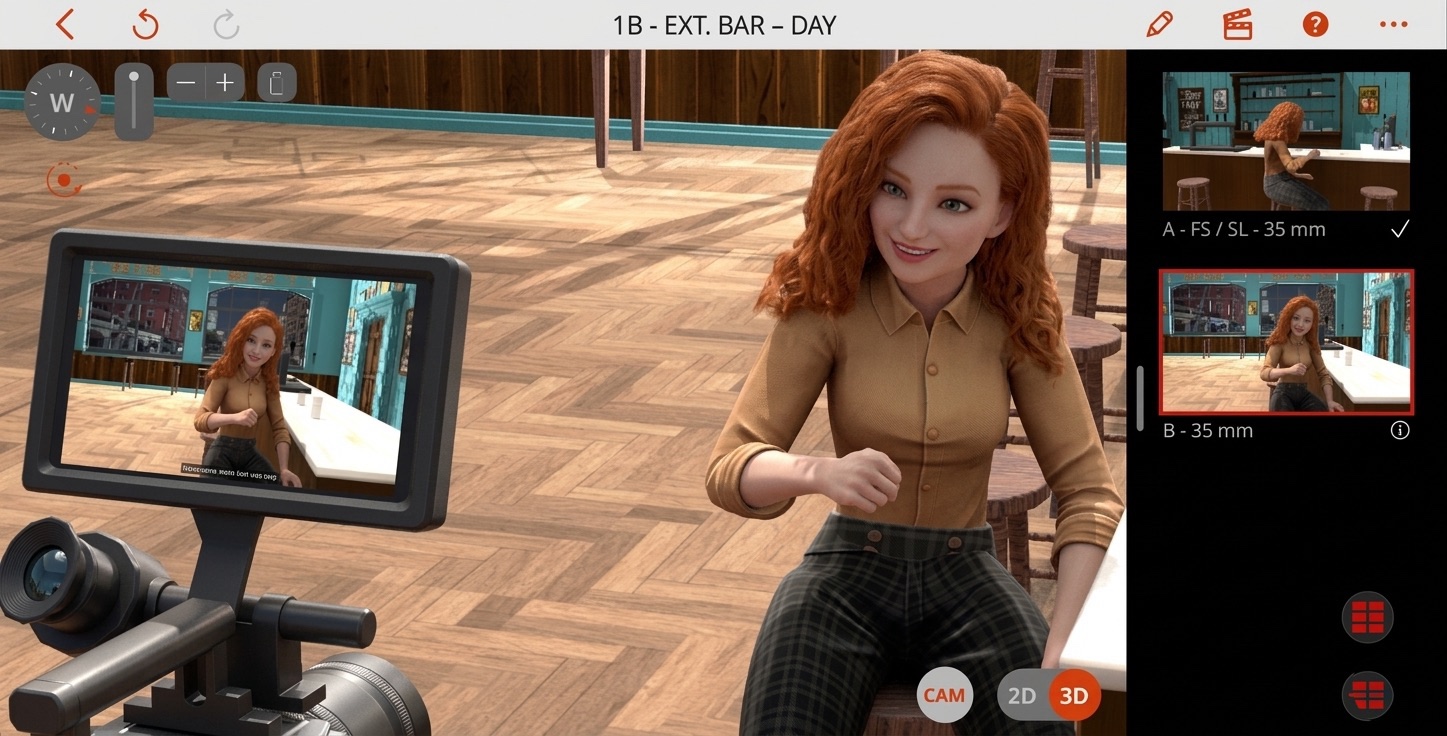
Previs is the cheapest take on your shoot. Every problem caught here costs ten minutes; every problem caught on location costs an hour or a half-day. The articles below are the kind of decisions that previs is unreasonably good at de-risking — start with whichever scene shape is on your shot list this week.
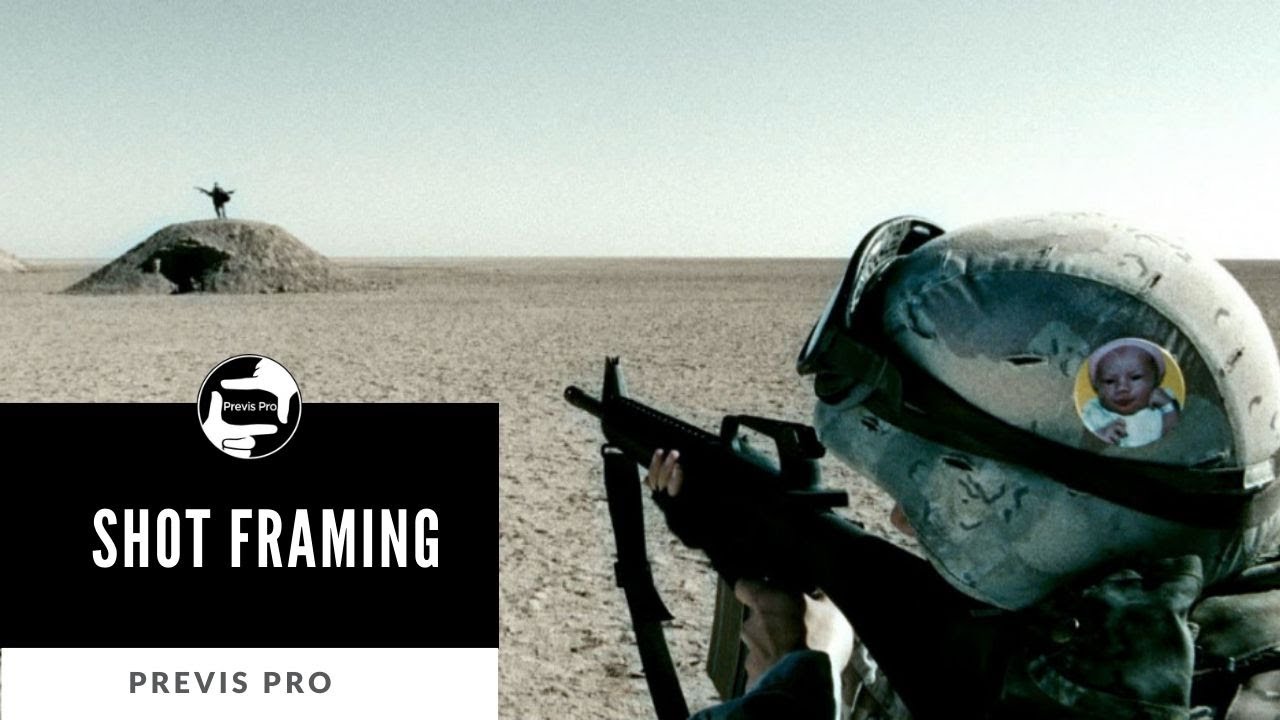
Watch on YouTube → · Shot Framing — Composition and Framing of Characters · 2:20 · Previs Pro Shot School
Craft articles
Choosing a tool
If you're still picking a previs tool, our comparison of nine previs and storyboarding tools covers what each one does and where each one stops. Every claim in that piece is linked to its source.
Get Previs Pro
Native on Mac, iPad, and iPhone. Free tier opens with full 3D blocking, AI generation, and the editorial timeline — exports carry our watermark until you upgrade.
Fix it in pre. 🎬